Here for the video generator?
You are in the photo-to-performance studio. The similarly named TinyDesk desktop client is a separate product.
A small stage. A very familiar cast.
Your camera roll has a headline act in it. Give friends, your team or even your pet a spot behind the desk. Explore an Outstanding band parody or a Soul & Hip-hop set, with sound built into the format.
The cast makes the concert
A good desk concert starts with who is standing at the microphone. Tiny Desk AI brings the joke closer to home: build a band from familiar faces, pair up two friends or let one person cover the entire lineup.
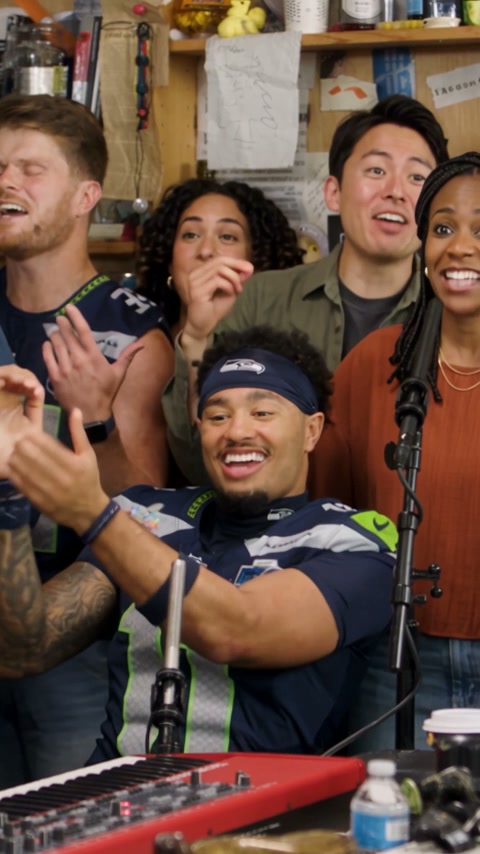 1
1The friend who sings at every gathering. The colleague with front-person energy. Tiny Desk AI gives those familiar personalities a desk-concert setting, without asking you to plan a shoot.
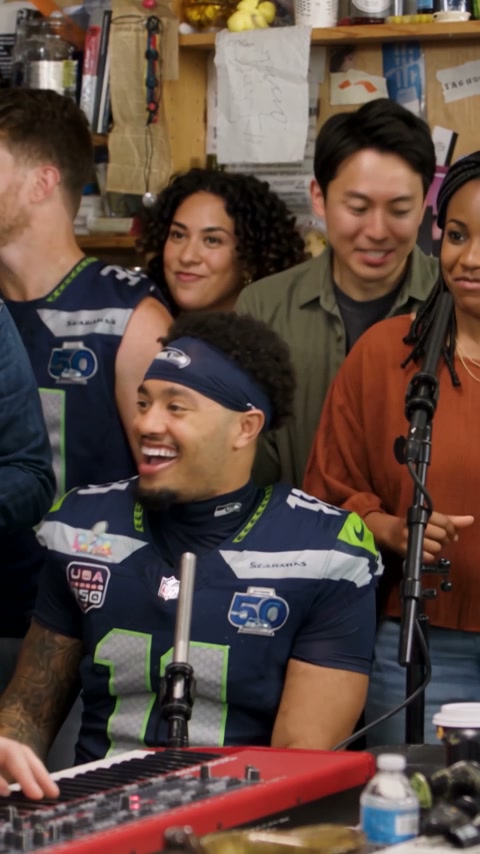 2
2Outstanding offers a five-person band or a two-singer scene. The Original collection offers Soul and Hip-hop video templates. Choose the source performance, then upload photos for the faces you want to replace.
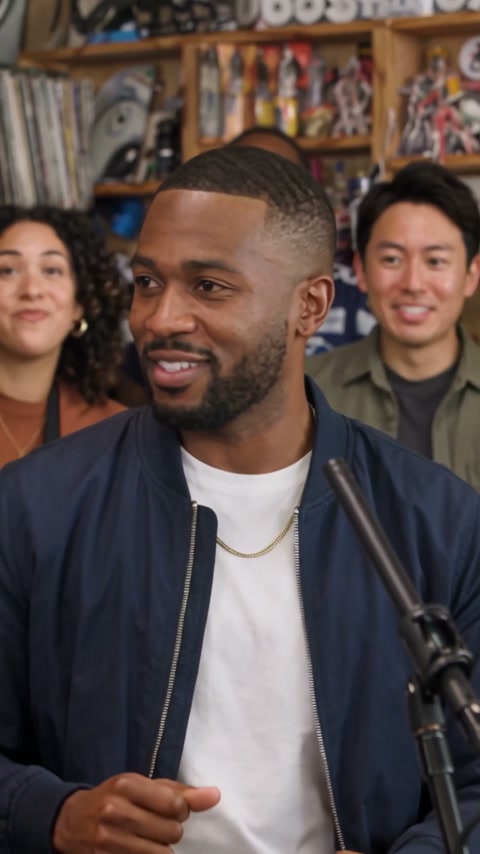 3
3The appeal of Tiny Desk concert AI is the familiar face in an unexpected performance. The aim is a new parody inspired by the desk-concert setting; reference footage is clearly marked as reference.
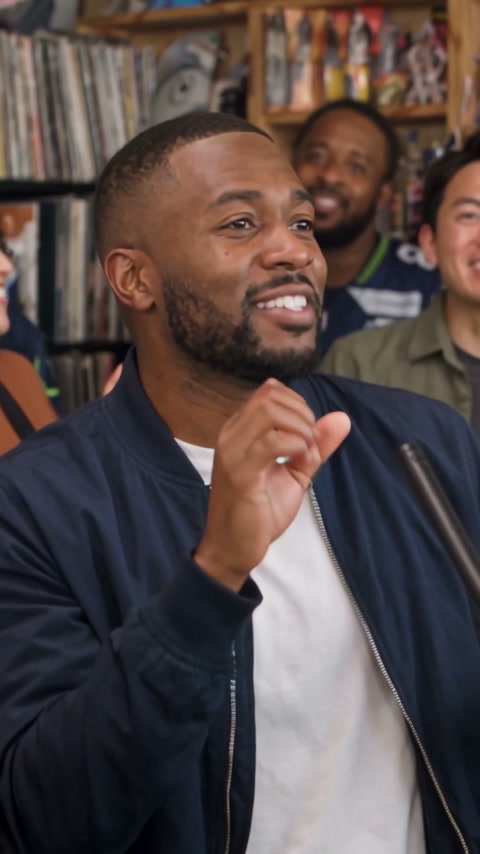 4
4Put the birthday friend on lead vocals and the rest of the group behind them. Choose a duet for a shared spotlight, or use Solo when the funniest possible band is five versions of one person.
Pick the people first. Then choose the band, duet or solo setup that fits your idea.
You are in the photo-to-performance studio. The similarly named TinyDesk desktop client is a separate product.
Use the prepared Outstanding, Soul or Hip-hop formats. This studio does not currently accept uploaded songs or custom audio tracks.
Whether you call it Tiny Desk AI or Tiny Desk concert AI, the starting point is the same: your photos and a desk-sized stage.
Watch the sets
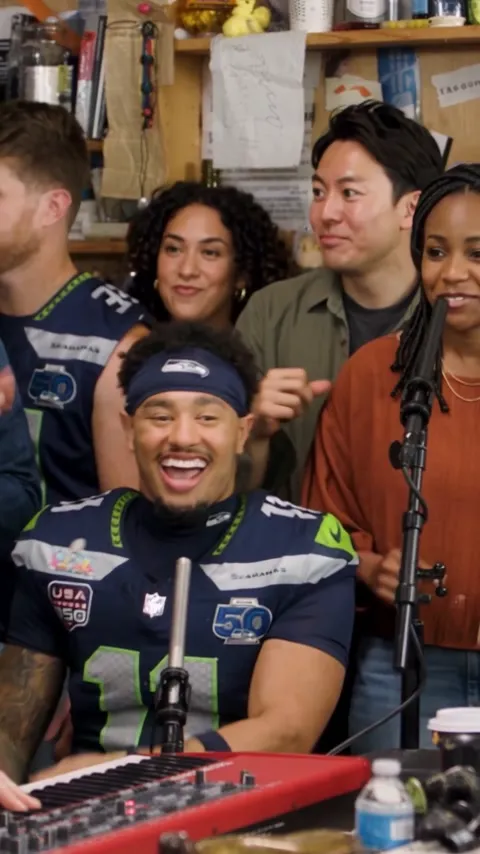
Watch the video that will be used for your edit before adding photos. Five and Solo use the 15-second band clip; Duo uses a 10-second landscape duet. These source examples are not customer results.
Assign five portraits to the lead, three backing singers and the right-side singer. The model edits this video, replacing the assigned faces while following the source movement and setting.
Prepare two individual portraits in left-to-right order. This 10-second landscape video is sent to the model to replace the two foreground singers while preserving the backing band and scene.
Want to be your own backing band? Solo assigns one portrait across the cast. The shared band reference shows the staging, rather than an example of a completed Solo request.
A different kind of encore
Keep the intimate concert setting and try another lineup. Go Soul with a soloist, duet or pet; go Hip-hop with a soloist, duet or group. Each card pairs reference footage with example source photography, so you can prepare the right kind of image.
Each Original set: 10s / 720p / audio / 10 credits
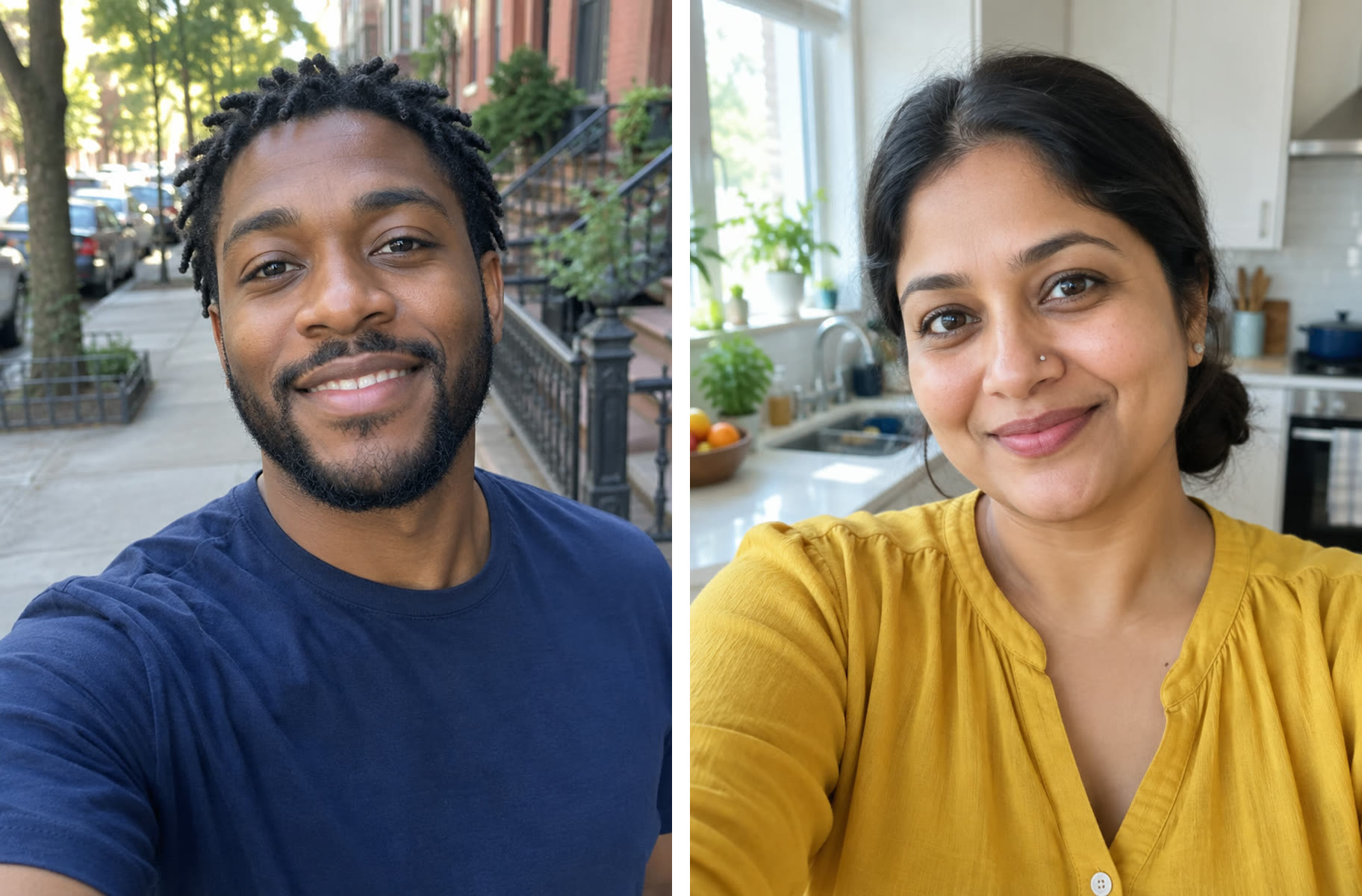
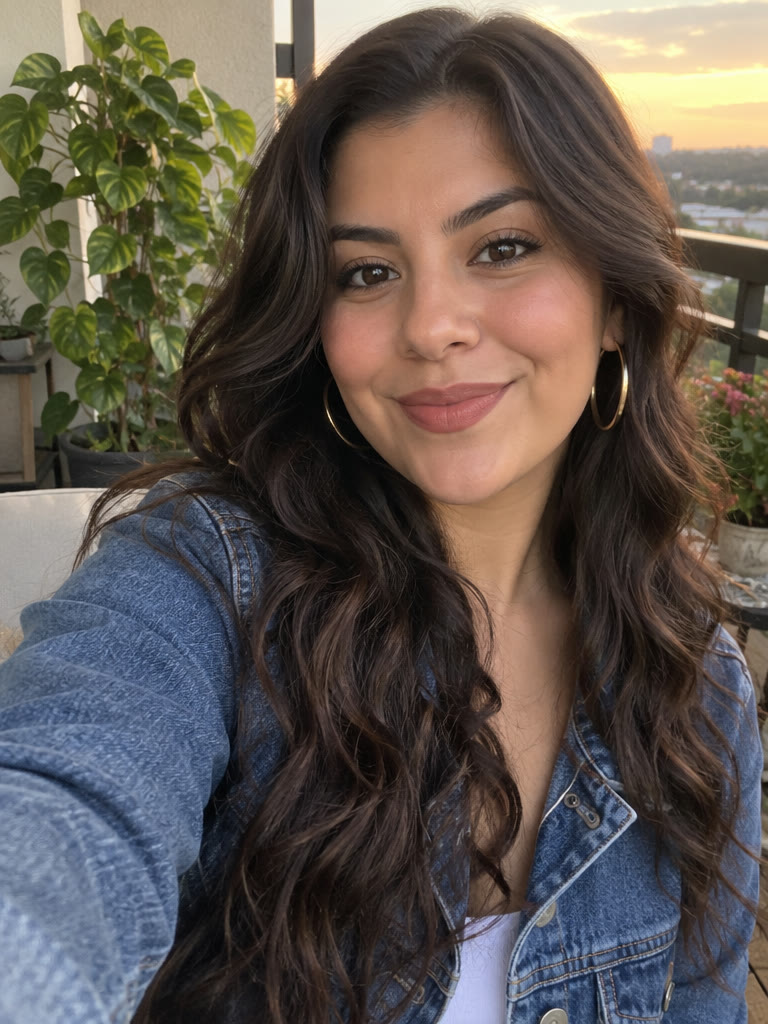
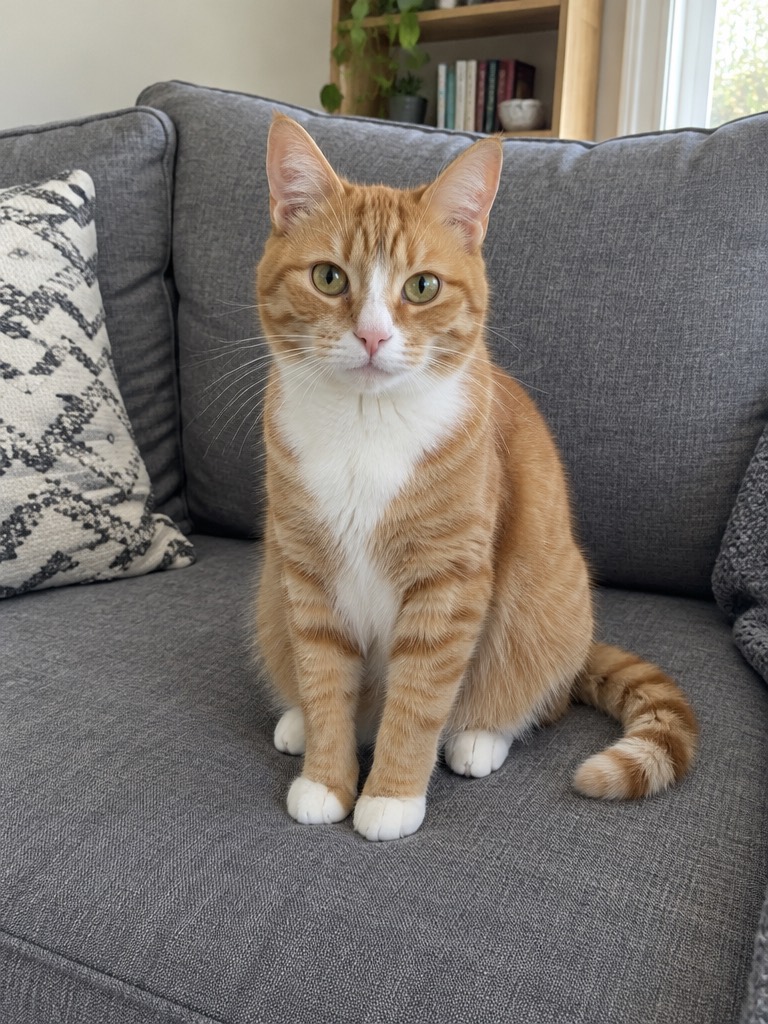
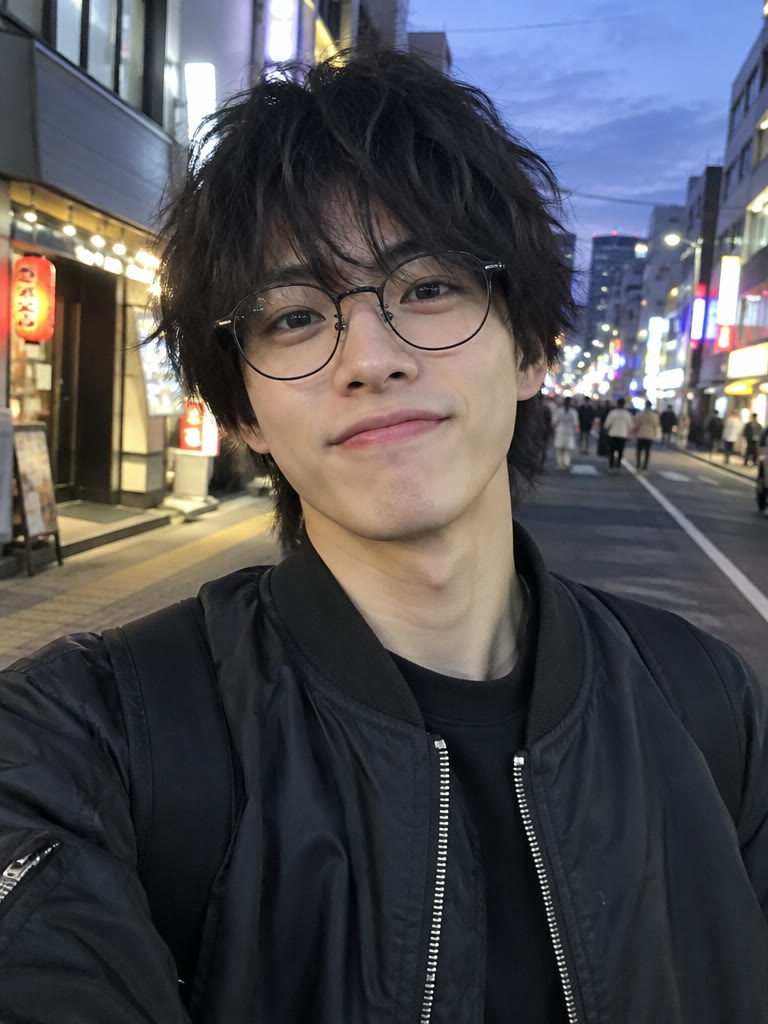
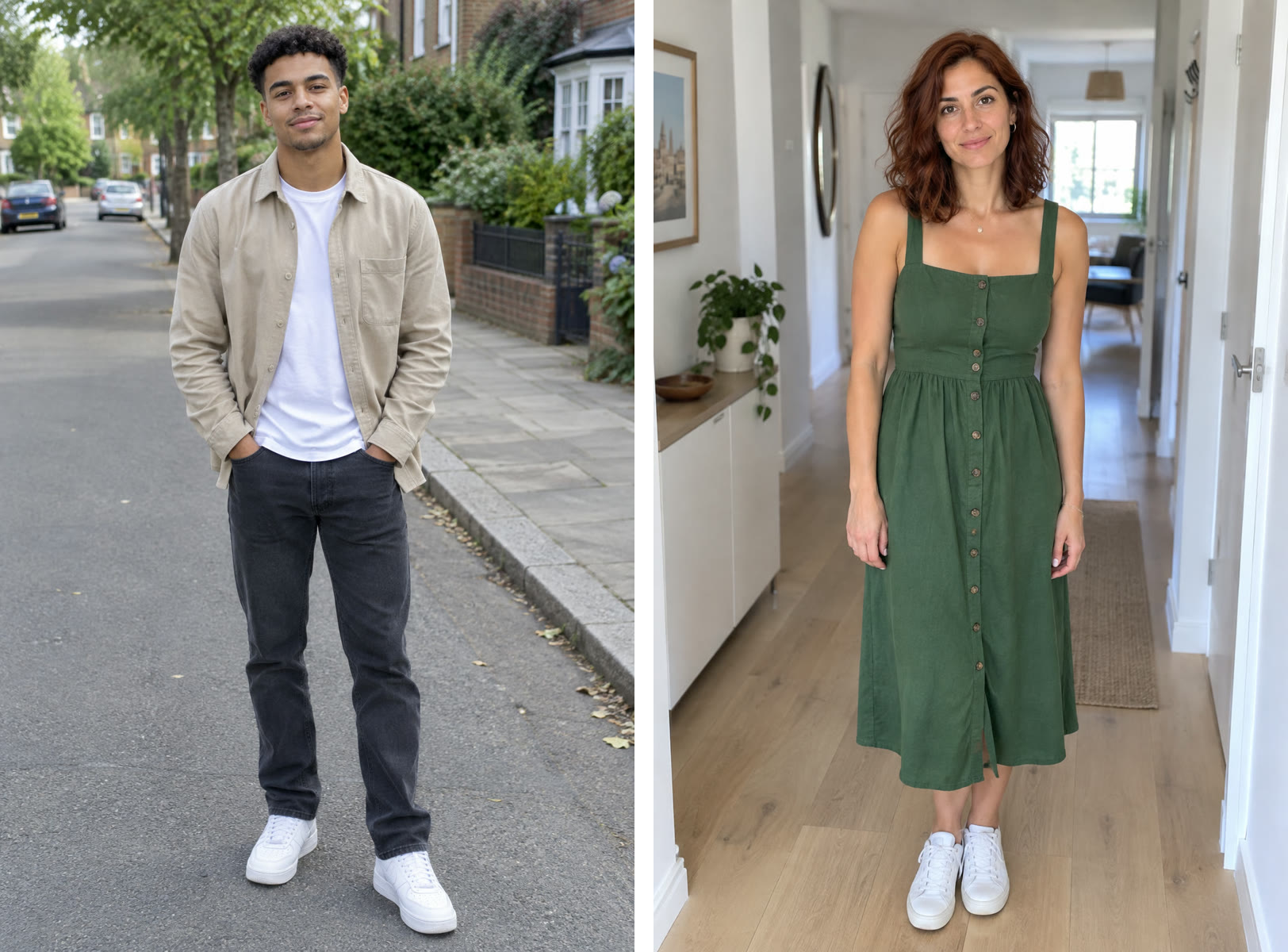
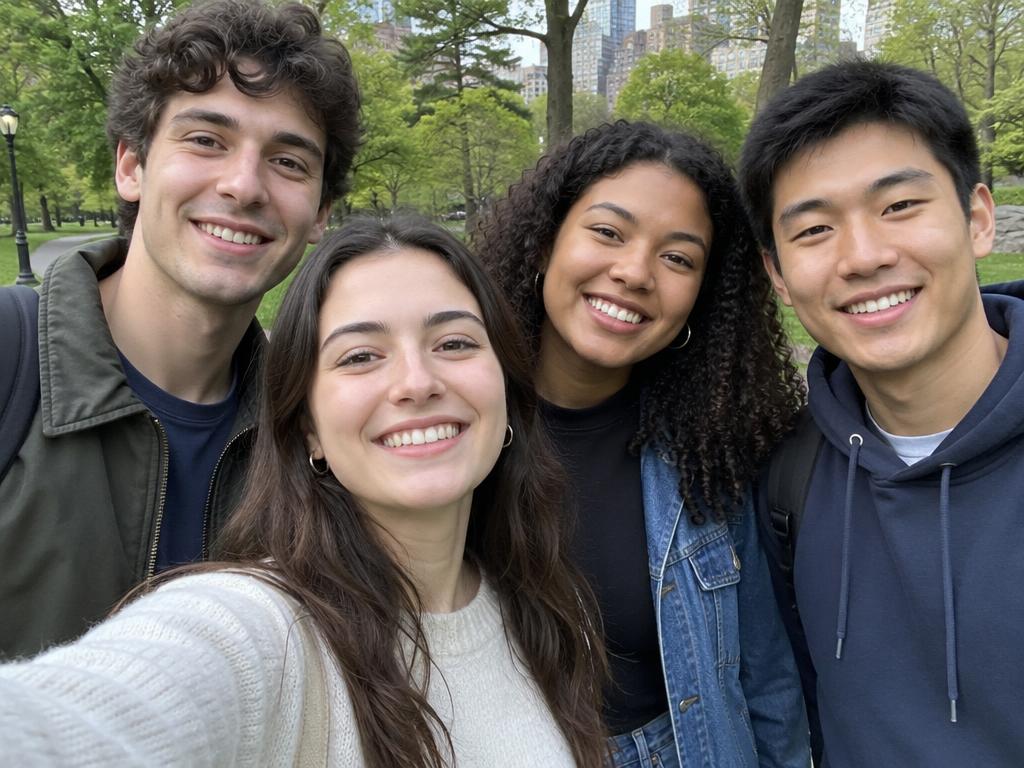
From camera roll to call sheet
The template handles the scene. You decide who gets the mic.
Your session planA little prep goes a long way
Think about the people in your idea. Pick Five for separate band roles, Duo for two featured singers or Solo for one face throughout. Browse Original when you want a single lead, a pet or a group-photo setup.
Add the requested photos in the order shown. Set the available resolution or frame shape, check the runtime and 10-credit cost, and confirm that everyone pictured has agreed to take part.
When generation is available and your request finishes, review faces, framing and audio together. Download the MP4 you want to keep and identify the performance as AI-generated when sharing it.
Better portraits, clearer casting
A recognizable face is the most useful detail in your upload. Use a separate, well-lit adult portrait for each assigned role. Five takes five images, Duo takes two, and Solo starts with one.
Full band · a portrait for every position
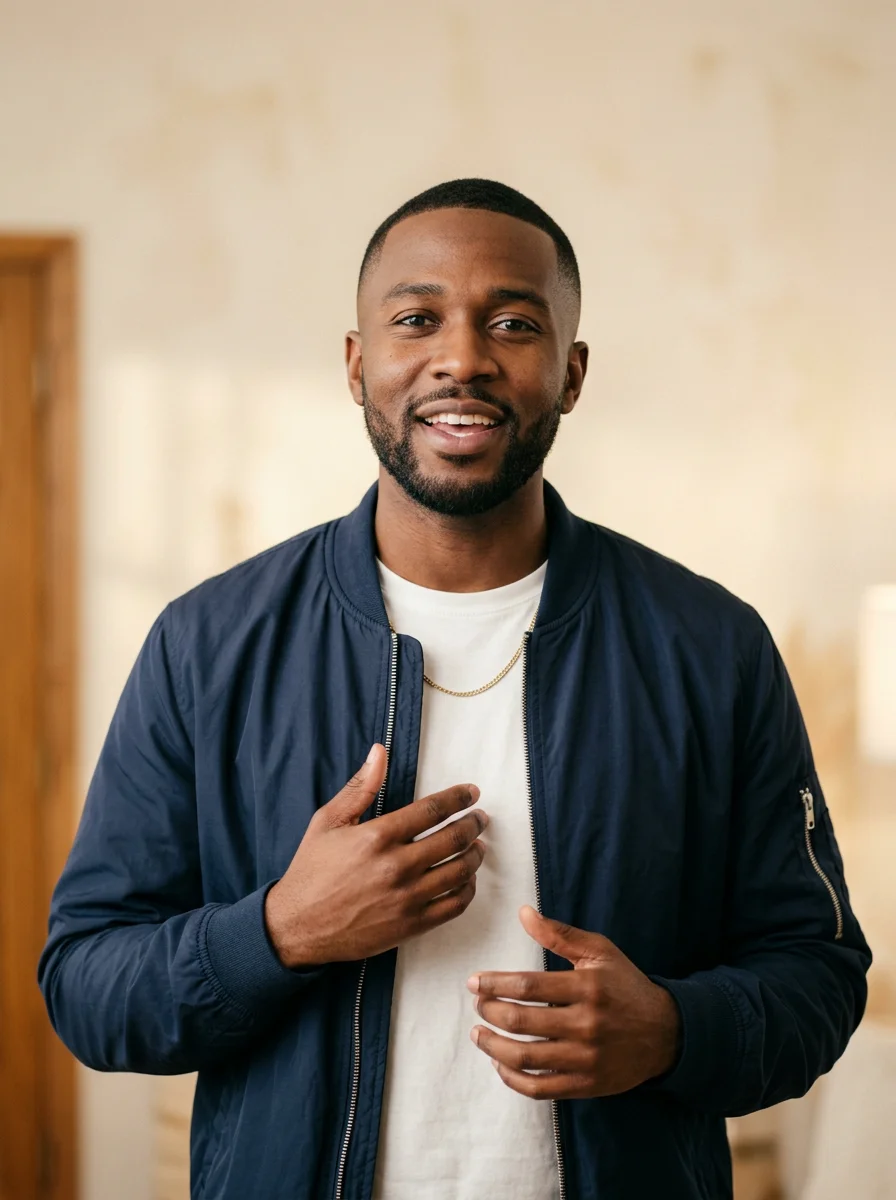
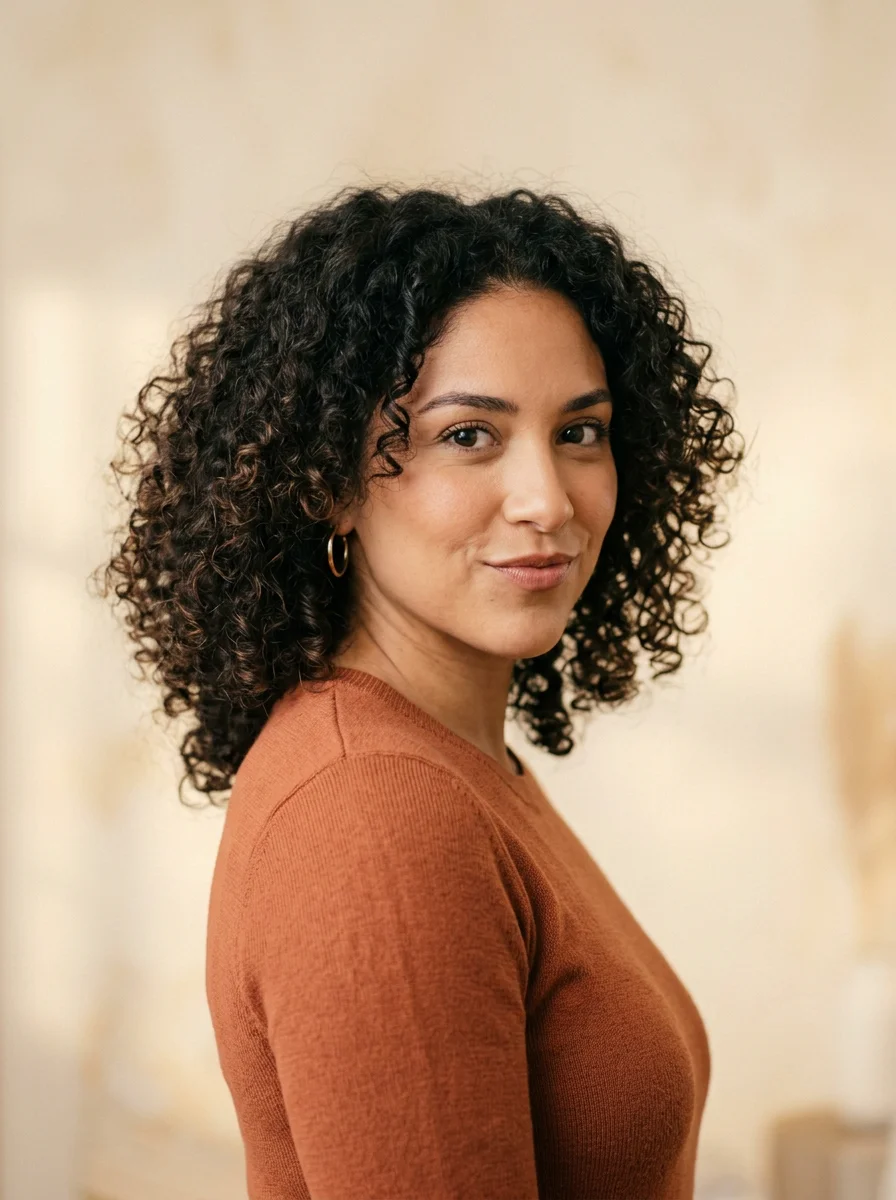
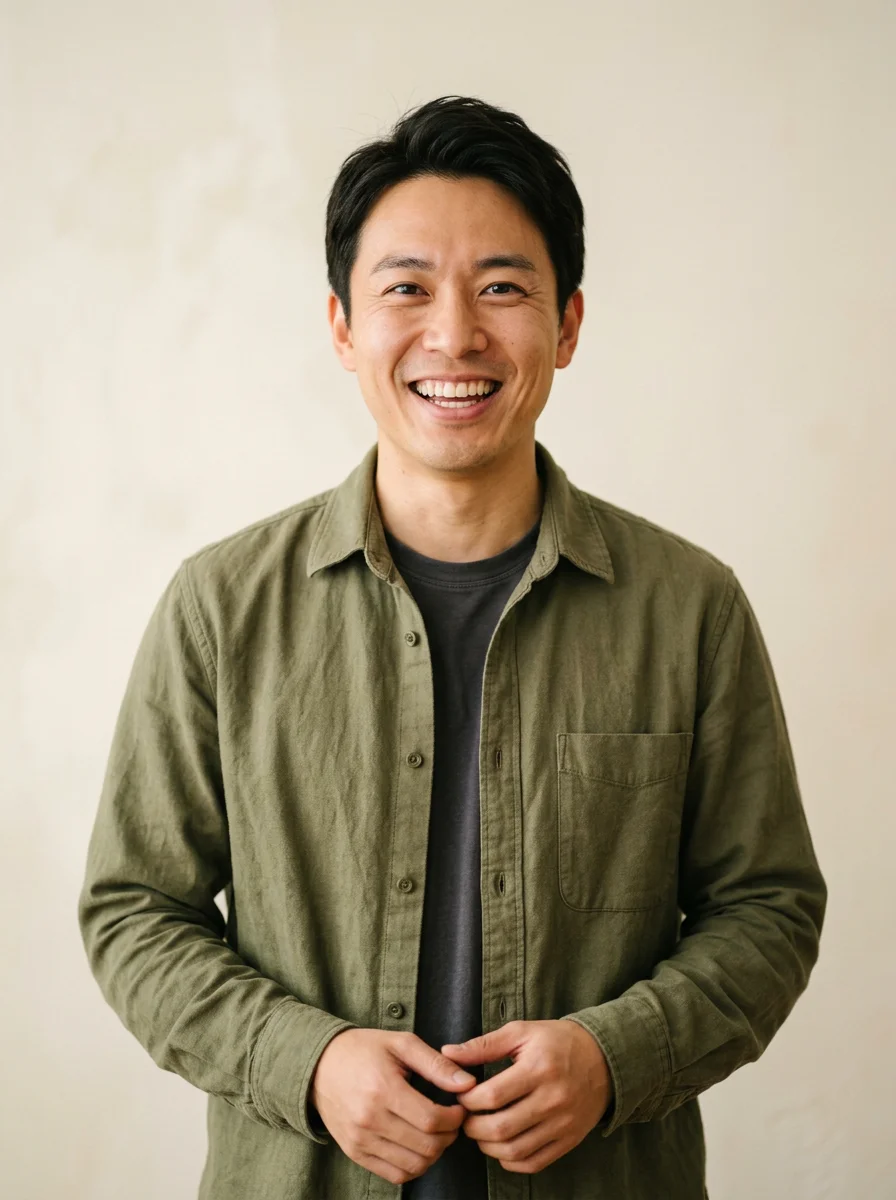
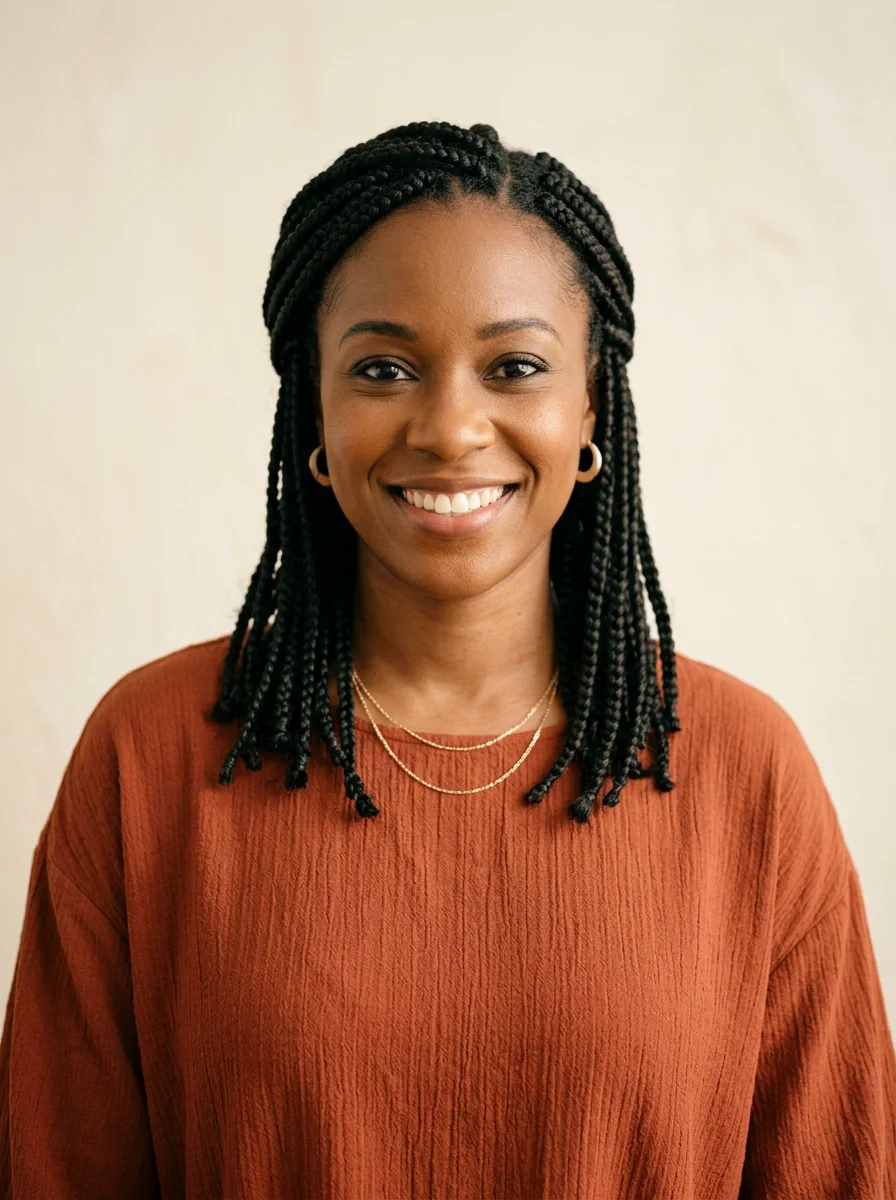
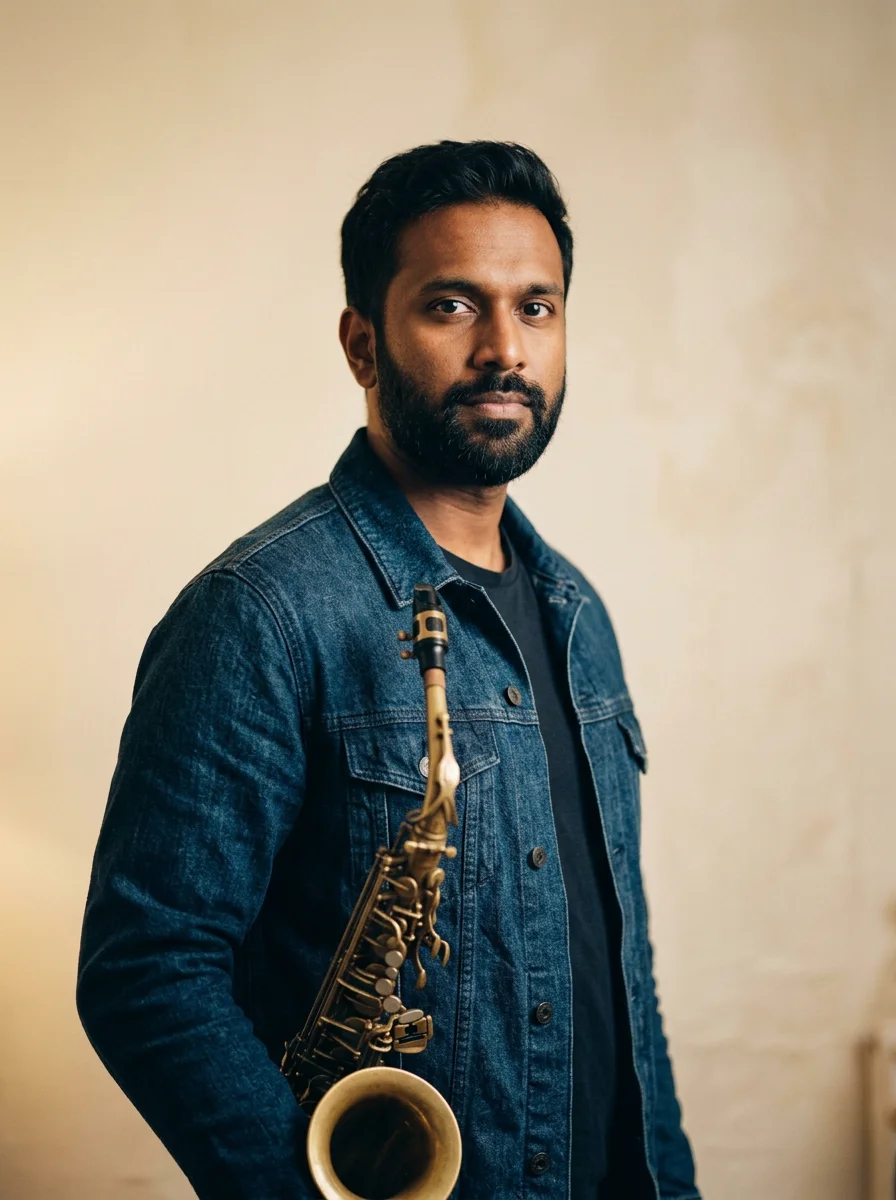
Duet · keep each singer in their own slot
Give each singer a dedicated portrait rather than one image of both people. Slot one belongs to the performer on the left; slot two belongs to the performer on the right.
Solo · one face fills the lineup
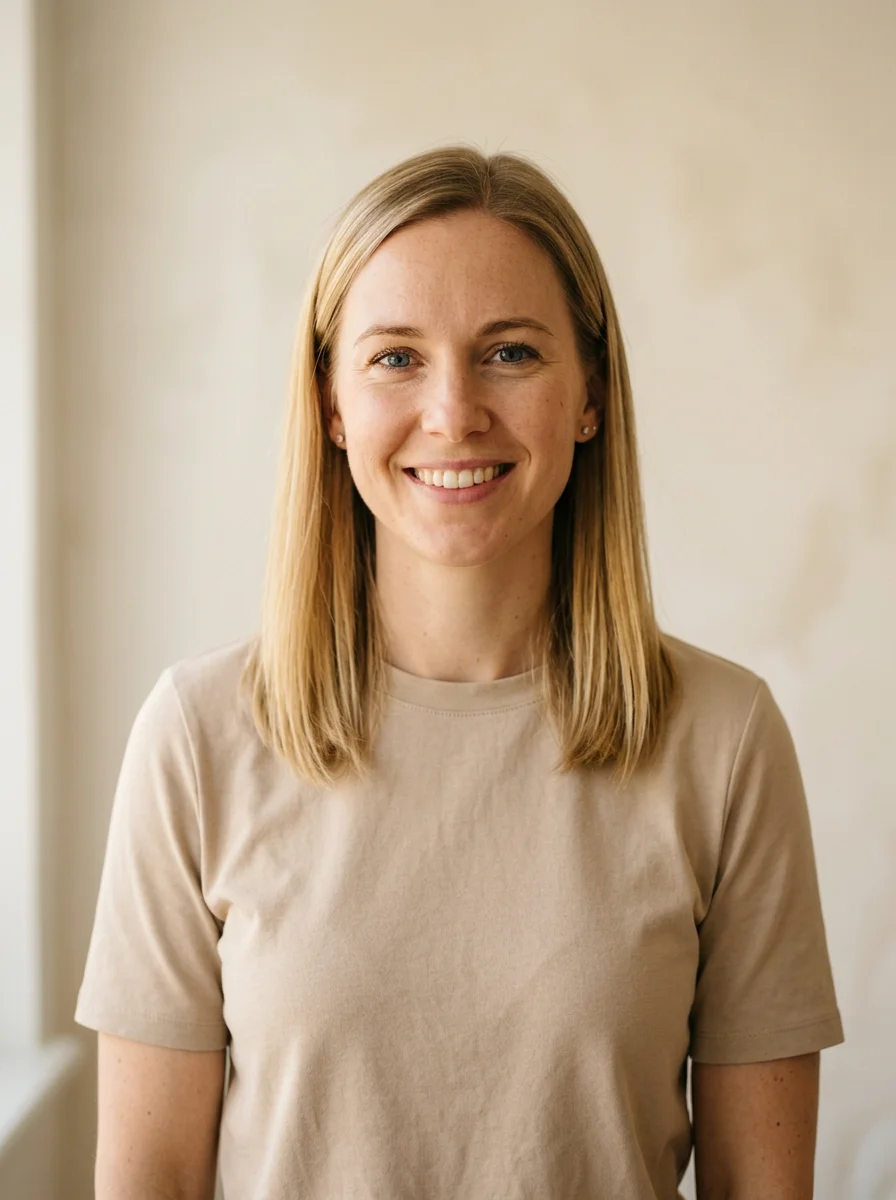
Pick your delivery size
Outstanding follows the selected source: Five and Solo use a 15-second vertical band video; Duo uses a 10-second landscape video. Choose 480p or 720p. Both settings include sound and cost 10 credits.
A compact version for checking the lineup and overall framing.
10–15s by template · 480p · 10 credits
More image detail when the performance is ready for a closer look.
10–15s by template · 720p · 10 credits
Choose your creative workflow
The right workflow depends on what you want to control. Build every cut yourself in an editor, or start from a prepared performance format and concentrate on casting the people who make it yours.
Choose footage you are allowed to use, arrange your layers and make your own timing and audio decisions. A timeline is useful when every cut needs your attention.
Use a prepared Outstanding or Original scene, then focus on your portraits and the available output settings. The selected template determines the length and framing; the listed generation cost is 10 credits.
After the final note
A quick playback is part of a good finish.
Plan for one performance or leave room to experiment. Packs cover 1, 3 or 5 concerts, with a single payment and no recurring plan. Sign in to check current studio and checkout availability.
A first idea, with room for one complete set.
One purchase; 180 days to use the credits.
Try three lineups before picking your favorite.
One purchase; 180 days to use the credits.
Five performances for the people in your camera roll.
One purchase; 180 days to use the credits.
Plan on 10 credits per performance. Outstanding settings: 15 seconds, 480p or 720p, 9:16. Original settings: 10 seconds, 720p, 9:16 or 16:9. Both formats include sound. Pack prices are shown in USD.
FAQ
Tiny Desk AI edits a selected concert video using faces from your photos. Outstanding offers a 15-second band or a 10-second duet; Original offers six 10-second Soul and Hip-hop video templates, including a pet option. Outputs include audio. This independent parody studio is not an official NPR production.
Tiny Desk concert AI and Tiny Desk AI refer to the same video-editing workflow here. The selected example video is sent to Seedance 2.0 alongside your uploaded portraits. The prompt replaces assigned face identities while preserving the source performance, camera, clothes and setting. Face consistency and soundtrack fidelity can vary.
The studio connects your cast to Seedance 2.0 through Replicate. Browse references and prepare photos first, then sign in, check studio availability and submit a concert with 10 credits. Credits are reserved when the task is created. Confirmed model failures return those credits; an uncertain submission is kept under its original task ID rather than automatically starting another paid render.
Use Outstanding Five when each band member needs a different identity. Choose Duo for two featured people or Outstanding Solo to repeat one person across the band. In Original, Soul includes Solo, Duo and Pet; Hip-hop includes Solo, Duo and Group. Original Solo focuses on one lead rather than repeating a face through the ensemble.
Bring individual portraits for Outstanding Five and both Duo formats: five images for the band, two for the duet. Solo formats need one portrait, and Soul Pet needs one pet image. A group shot is accepted by Original Hip-hop Group, which is a different setup from the five separate Outstanding roles.
The five-person setup needs a portrait in every role before a generation request can be submitted. If you only want to feature one or two people, switch to Solo or Duo rather than leaving band slots empty. An incomplete cast should not be submitted or charged.
That is the idea behind Outstanding Solo: one adult portrait is assigned to every on-screen role. Choose Original Solo instead when you want one featured singer. Soul Pet also starts with one image, while Hip-hop Group uses a single photo containing the adult group.
The prompt asks the model to preserve the source soundtrack and timing. Seedance generates the output audio, so an identical track is not guaranteed. Listen to the completed video before sharing and check the rights to any music you publish.
Packs contain 10, 30 or 50 credits for $9.99, $19.90 or $29.90 USD, valid for 180 days. A concert uses 10 credits, with no recurring subscription. Stripe handles payment, and credits are granted after the payment is confirmed. Checkout is available when the studio and payment configuration are ready. Reference playback is not a free personalized render.
No. The videos on this page are the source templates used for editing, and the accompanying sample photos are illustrative. Your request sends the selected source video and your own uploaded photos to the model. Your finished face edit appears separately when the task completes.
The current template controls do not include a custom-song upload. Choose the prepared Soul or Hip-hop direction for an Original set. If you later edit a completed video with another track, use audio you have permission to include and check the final mix before posting.
This page is for preparing desk-concert parody videos from photos. It is separate from the similarly named TinyDesk desktop AI client and does not provide that client’s chat or desktop features.
Use photos of yourself, adults who have agreed to appear, or your own pet in the pet template. You must have permission to use each image. Do not submit children, public figures or people who have not consented; a group photo needs permission from every adult pictured.
Tiny Desk AI is an independent parody project. It is not operated, approved or sponsored by NPR, NPR Music, Tiny Desk Concerts, Charlie Wilson or the Gap Band. Names and references explain the performance format rather than imply an official partnership.
Backstage notes
Pick an Outstanding Tiny Desk AI template for one, two or five portraits. Compare cast roles, photo requirements and references for your concert meme.
Open the notebook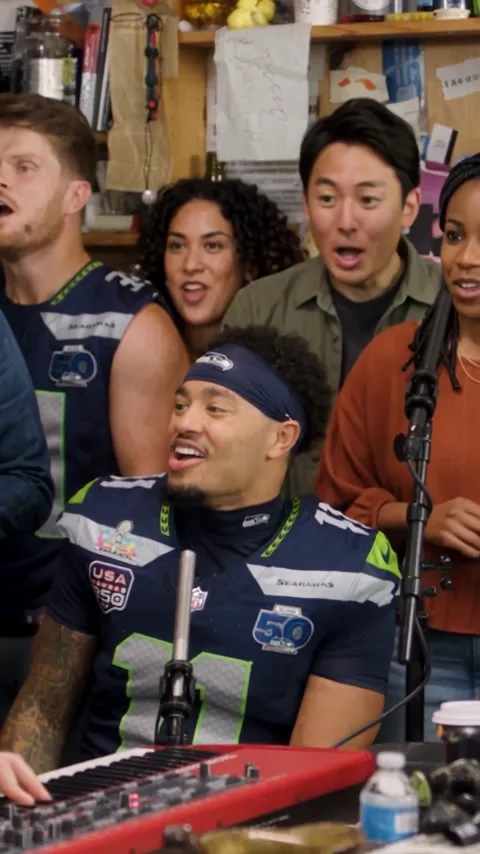
Trace Outstanding from The Gap Band to Charlie Wilson’s Tiny Desk concert. Watch the official set and learn how the performance relates to AI concert memes.
Open the notebook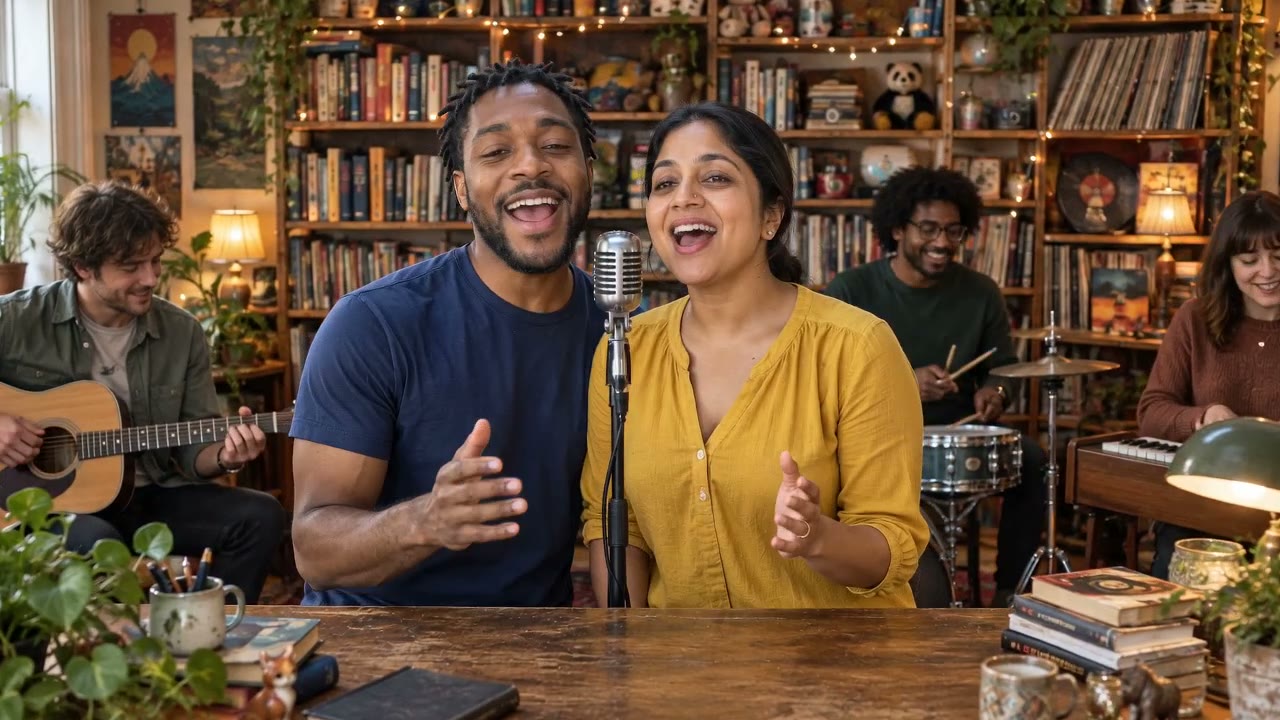
Build a Tiny Desk AI video plan: choose a cast, prepare portraits, review AI video maker options and finish your edit. See what is currently available.
Open the notebookFind the face. Pick the lineup. Give the idea a stage.
Build my lineup