The template notebook
Outstanding Tiny Desk AI: build a band from familiar faces
The joke starts with recognition: a face you know, in a band you never expected. An Outstanding Tiny Desk AI template gives that idea a stage, a lineup and a performance reference. Here is how to choose the version that fits your cast before you upload anything.
Explore the cast & referencesBefore you render Explore references and preview your cast first. New renders need a signed-in account, 10 credits, photo permissions and an available studio. Check the live status in the generator before ordering.
What is the Outstanding Tiny Desk meme?
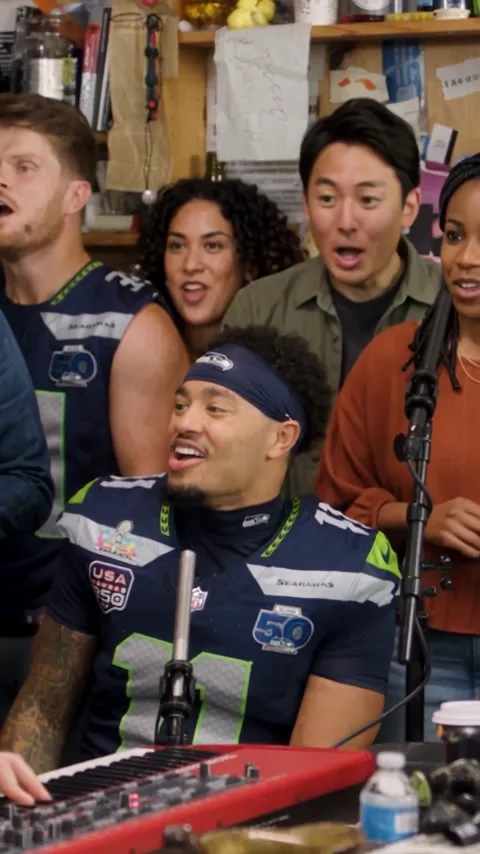
“Outstanding” names the song associated with The Gap Band and Charlie Wilson’s Tiny Desk performance. In an Outstanding Tiny Desk meme, the familiar desk-concert setting becomes the frame for a different cast. The contrast between a convincing band setup and unexpected performers supplies the punchline.
An Outstanding AI meme borrows a performance setup, while the original concert is a live music recording. This guide is for planning the personalized parody. Our companion performance guide links to the original artist announcement and NPR Music video if you want to watch the real set first.
An AI reference clip is a way to judge framing and timing. It does not prove how a new person will look after rendering. Review the actual preview instead of treating the template name as a promise of an identical result.
Choose solo, duo or the full five-piece band
The Outstanding family contains three video-editing layouts. The five-piece version uses five portraits: a center lead, three backing singers and a foreground singer on the right. Each portrait replaces its assigned face in the selected source video. Decide the order first so each person appears in the intended role.
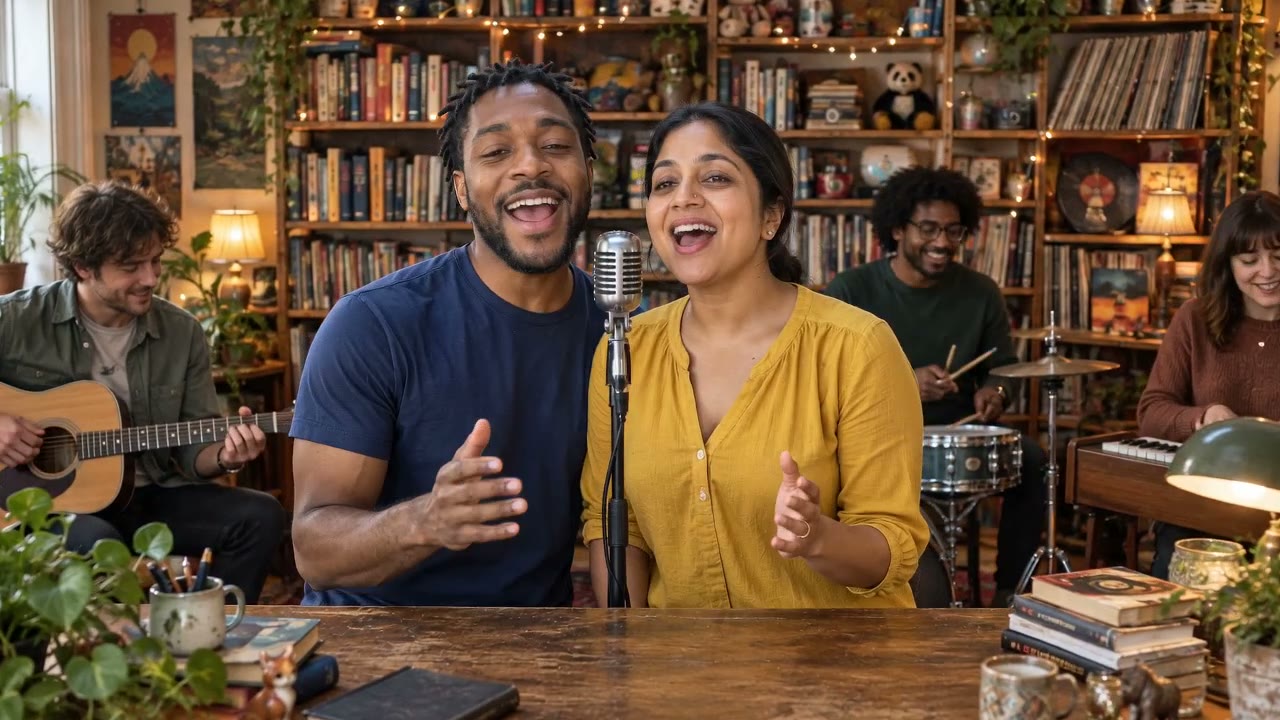
The duo uses two portraits and keeps the idea easier to read on a phone. Choose two people whose pairing is the joke. The solo takes one portrait and is the simplest starting point when the entire idea depends on one recognizable face.
The Five and Solo band edits use a 15-second vertical 9:16 video. Duo follows its 10-second landscape 16:9 source. Both 480p and 720p are available. The prompt asks the model to preserve source motion and framing, but these settings do not guarantee perfect face consistency or an identical soundtrack.
- Five people with distinct roles: choose Five-piece.
- Two people whose pairing tells the story: choose Duo.
- One face carrying the entire joke: choose Solo.
Give the face enough room to work
Use a clear portrait with the whole face visible. A tiny face in a crowded group photo gives you less control than an individual crop. Keep lighting even, avoid heavy filters and check that hands, sunglasses or microphones do not hide the features you want viewers to recognize.
For a multi-person template, prepare one file per role. Mixing a sharply lit studio portrait with an extremely dark selfie can make the group feel disconnected. Similar framing and readable expressions are a more useful starting point than matching everyone’s clothes.
The local uploader accepts JPG, PNG and WebP files up to 10 MB each. Replacing or removing a portrait lets you review the cast before proceeding. Only use images you own or have permission to use, and avoid making a parody look like a real endorsement.
Check sound, credits and availability before making a video
These are performance templates with sound in their reference clips. There is no custom-song upload control in this studio, and the word Outstanding does not grant permission to reuse a recording commercially. Check the rights to any audio you add in a separate editor.
The displayed pricing is 10 credits per concert. After signing in, check the studio status, upload portraits and confirm permissions. Seedance 2.0 receives the selected source video and your photos, with instructions to replace assigned face identities while keeping the performance. Results can vary. Confirmed model failures restore reserved credits; no free personalized render is promised.
Once you have chosen a cast, return to the studio to inspect its exact photo slots. If you prefer an original mood over the Outstanding reference, explore the separate Soul & Hip-hop family rather than expecting the Outstanding layout to change genres.
Sources & further viewing
Artist history and third-party tool descriptions are linked to their original sources. Product availability in this studio is described separately.
Put the idea on the desk.
Compare the Outstanding and Soul & Hip-hop references, choose the cast and see how your portraits fit.
Return to the studio